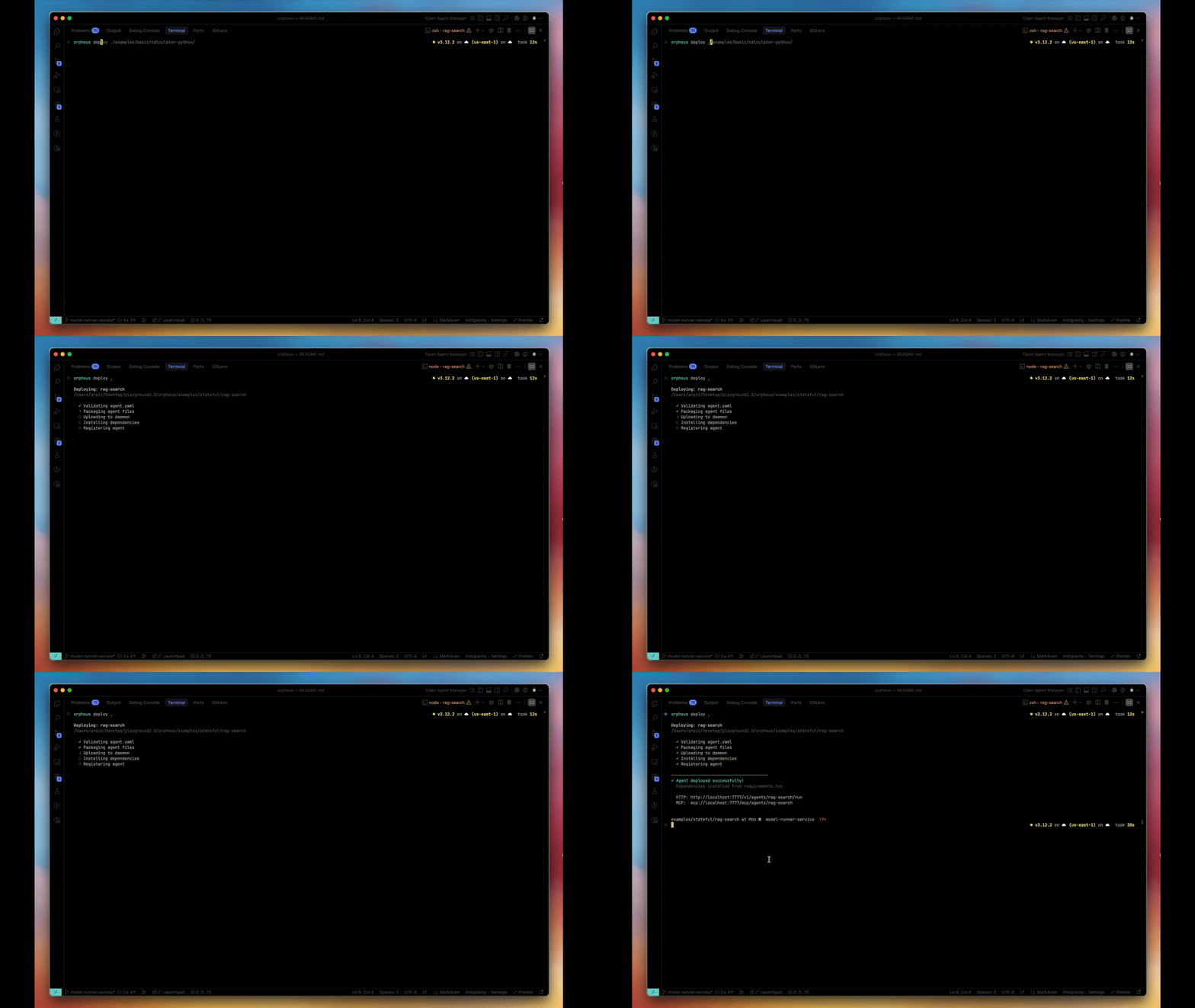
 This guide walks you through deploying an agent from scratch.
Prerequisites
Step 1: Create Agent Directory
mkdir my-agent && cd my-agent
Step 2: Create agent.yaml
Every agent needs a configuration file:
name: my-agent
runtime: python3
module: agent.py
entrypoint: handler

memory: 512
timeout: 60

scaling:
  min_workers: 1
  max_workers: 5
name: Unique identifier for your agentruntime: python3 or nodejs20entrypoint: Function that handles requestsmin_workers: Keep this many workers always ready
Step 3: Create Your Handler
agent.py
def handler(input_data):
    query = input_data.get('query', '')

    # Your agent logic here
    result = process(query)

    return {
        'result': result,
        'status': 'success'
    }

def process(query):
    return f"Processed: {query}"
Step 4: Deploy
What happens:
- Agent packaged and sent to daemon
- Workspace created at
~/.orpheus/workspaces/my-agent/
- Worker pool started with
min_workers
- Agent ready to receive requests
Step 5: Verify
# Check it's deployed
orpheus list

# Check worker status
orpheus stats my-agent
Step 6: Run Your Agent
orpheus run my-agent '{"query": "hello world"}'
{
  "result": "Processed: hello world",
  "status": "success"
}
Updating Your Agent
After changing code, redeploy:
Workers restart with new code. Workspace files are preserved.
Removing an Agent
orpheus undeploy my-agent
This deletes the workspace. Back up files first if needed.
Next Steps